
An options trading journal that understands how options trades really work
journl. imports your Interactive Brokers option trades and reviews each one on the stock chart and the option premium chart together, so you can see what the underlying did and what you actually got paid.
Free plan available. Chart review on Premium and Pro
Import option trades from IBKR
Upload an IBKR Flex Query or activity CSV, or sync automatically every day on Premium and Pro. Every fill is kept, including scale-ins, partial closes and expiries.
- Average-cost P&L per position, with partial closes counted on the day they happened
- Options that expired still open are flagged for review
- Stocks, futures, future options, forex and other IBKR asset classes import too
See the stock and the premium together
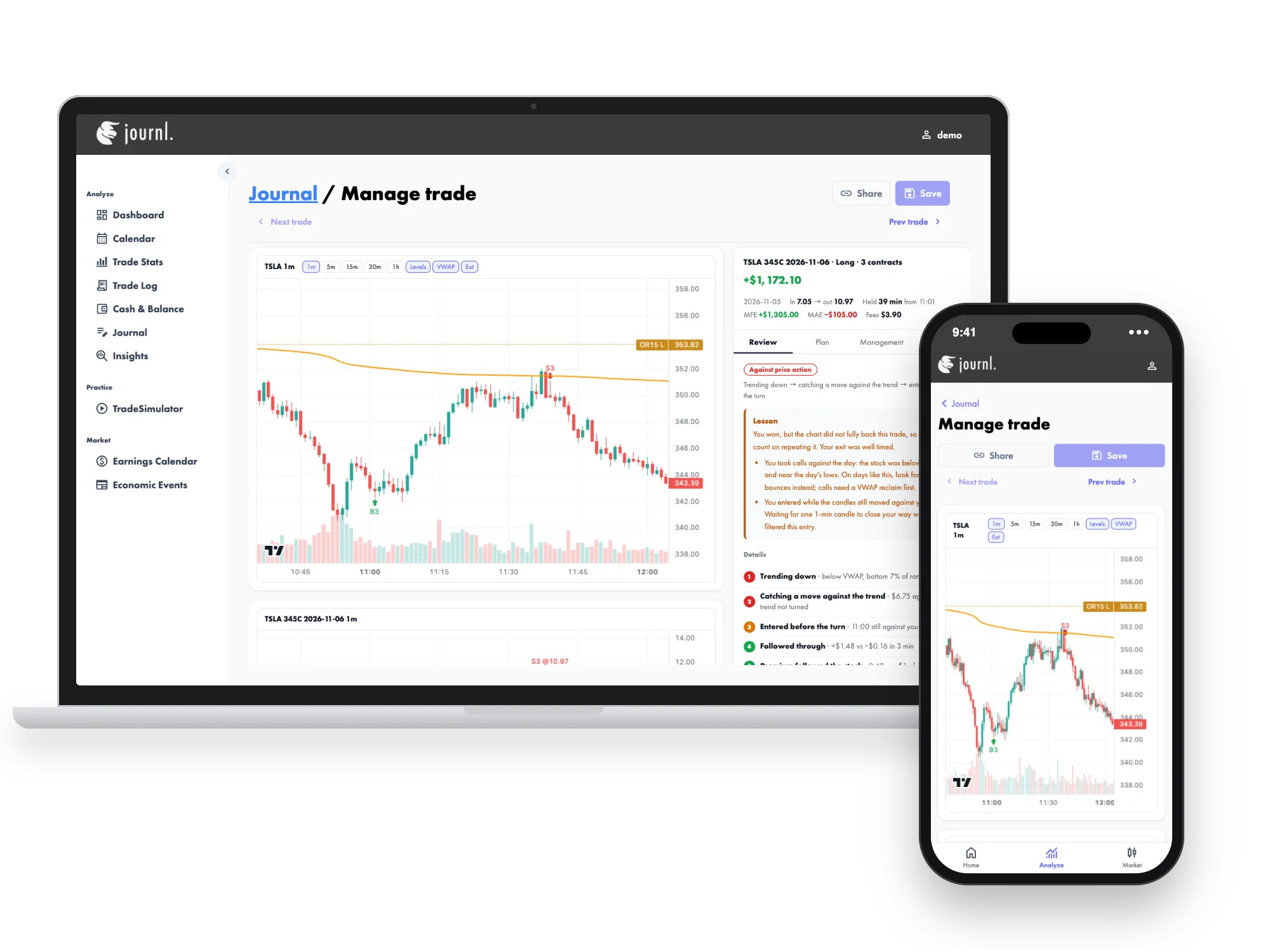
Every option trade opens on two synced charts: the underlying and the option premium. Zoom one and the other follows, with your entries and exits marked on both.
- MFE and MAE in dollars at your largest size, and per contract
- Set your stop and target on the stock chart or the premium chart
- Result in R measured from the chart you set your stop on
- A verdict on whether the price action at your entry backed the trade, and whether the premium followed the stock
Find the habits behind your results
Tags, psychology and notes on every trade, plus measured facts about timing, the move into entry, and what the premium did after you exited.
- Scaling in and out is detected and explained
- Stop discipline is judged on candle closes, not wicks
- Calendar, trade log and insights across all your option trades
Frequently asked questions
Does journl. work for options traders?
Yes. journl. is built around Interactive Brokers and most of its review tools are designed for options: premium charts, per-contract MFE and MAE, scaling, partial exits and expiries.
How do I get my IBKR option trades into journl.?
Upload an IBKR Flex Query or activity CSV on any plan, sync on demand on Basic, or let journl. sync automatically every day on Premium and Pro.
Can I see my option trades on a chart?
Yes, on Premium and Pro. Each trade opens on historical stock and option premium charts with your entries and exits, key levels, MFE and MAE, and a read of whether the price action at your entry backed the trade.
Can I set my stop on the stock instead of the option?
Yes. Pick the stop or target on either chart. A stop on the stock is measured in stock movement and checked against stock candle closes.