
Share a trade
Categories
Share a trade
Share a single trade with a mentor or trading friend through a private, read-only link. The viewer does not need an account, and you decide what they see. To share your routine and progress instead of one trade, use a mentor view link. Pro
Create a link
- Open the trade from Journal with Manage.
- Click Share.
- Choose what the viewer can see: Executions, Review notes, Rating and tags, Psychology and the Trade image.
- Set when the link expires (30 days unless you pick a date), or switch on Never expire this link.
- Create the link, then click Copy and send it.
Manage your links
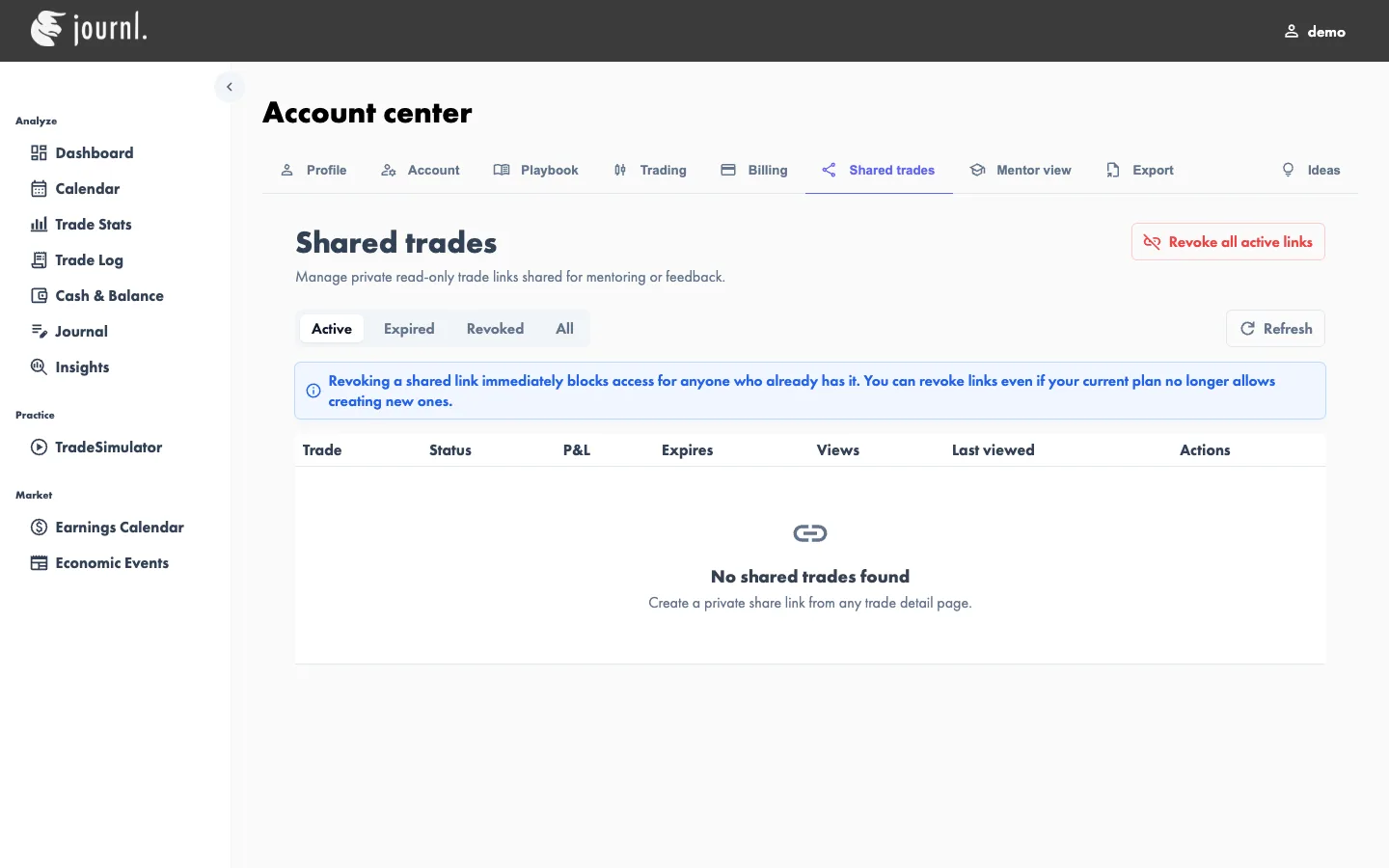
Account center → Shared trades lists every link with its trade, status, P&L, expiry date, number of views and when it was last viewed. Filter by Active, Expired or Revoked.
- Revoke a link to block it immediately for anyone who has it.
- Revoke all active links does the same for every link at once.
- You can always revoke links, even after moving to a plan that cannot create new ones.
Anyone who has the link can open it, so send it only to people you trust and revoke it once the review is done.
Share a trade
Share a single trade with a mentor or trading friend through a private, read-only link. The viewer does not need an account, and you decide what they see. To share your routine and progress instead of one trade, use a mentor view link. Pro
Create a link
- Open the trade from Journal with Manage.
- Click Share.
- Choose what the viewer can see: Executions, Review notes, Rating and tags, Psychology and the Trade image.
- Set when the link expires (30 days unless you pick a date), or switch on Never expire this link.
- Create the link, then click Copy and send it.
Manage your links
Account center → Shared trades lists every link with its trade, status, P&L, expiry date, number of views and when it was last viewed. Filter by Active, Expired or Revoked.
- Revoke a link to block it immediately for anyone who has it.
- Revoke all active links does the same for every link at once.
- You can always revoke links, even after moving to a plan that cannot create new ones.
Anyone who has the link can open it, so send it only to people you trust and revoke it once the review is done.