
Play and review practice rounds
Categories
Play and review practice rounds
TradeSimulator replays a real past trading day candle by candle. You trade it as if it were live, with that day's option chain or the stock, then review every practice trade. Nothing touches your real trades or your broker.
Play a round
- Open TradeSimulator under Practice in the left menu.
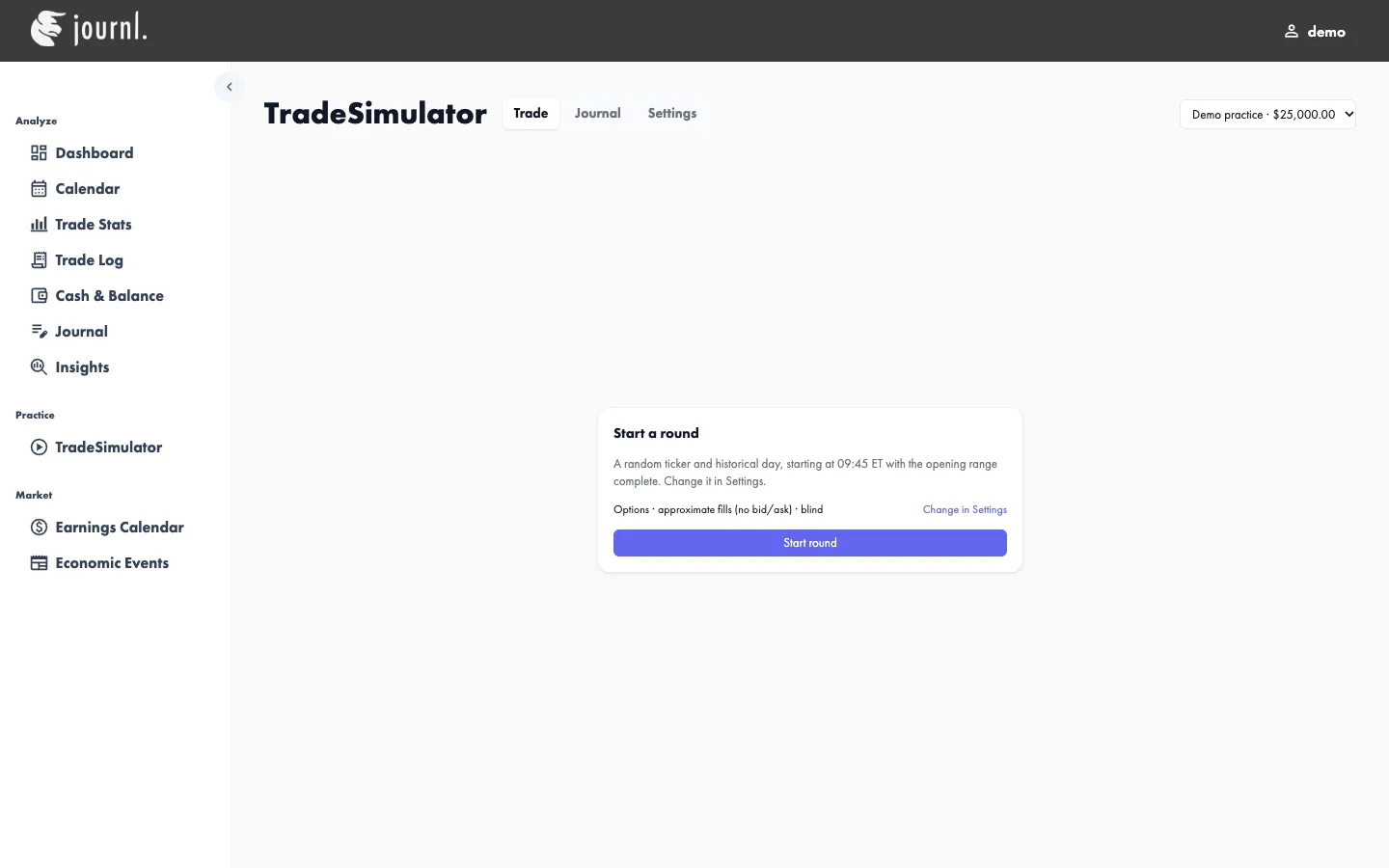
- Pick the practice journal (account) to trade with in the top right.
- Click Start round. You get a random ticker and historical day, starting at 09:45 ET with the opening range complete, or at the start time you chose in Settings. In blind mode the date stays hidden until the round ends, so you cannot remember what happened.
- Press play (Space) or step forward one minute (→) or five minutes (Shift+→). Speed it up from 1x to 600x.
- Open a position from the ticket: an option from that day's chain, or the stock. One trade holds one contract at a time.
- Close the trade, then end the round.
Came from a Practise button in Insights or on the Dashboard? A banner shows the setup you're practising, and each new practice trade is tagged with it. Stop practising ends that.
On the chart
- The premarket and 15-minute opening range highs and lows are drawn for you. If the round starts before 09:45, the opening range appears once it is complete. Premarket and after-hours are shaded; change the colors in Settings.
- Draw your own levels, and drag stop and target lines. They are reminders only and place no orders.
- Long tool and Short tool plan a trade: hover one to see its entry, stop, target and R:R, and drag its lines. Rectangle marks a zone: click one corner, then the opposite one.
- Click any drawing to select it, drag to move or resize it, and press Delete to remove it.
- The ticket shows the contract, an estimated cost including slippage and fees, and the volume so far.
- The fill ledger lists every simulated fill and how it was priced.
Review in the Journal tab
The Journal tab lists your practice trades with the session, contract, entry, exit, hold time, return and grade, plus win rate and totals. Click a trade to replay and review it.
Settings
- Round mode: options with approximate fills, or stock practice (no option P&L).
- History from / to: the range of past days rounds are drawn from.
- Blind mode on or off by default.
- Replay starts at: any time from the 09:30 open to 15:30 ET. The default is 09:45.
- Chart sessions: the colors of the premarket, regular and after-hours shading.
- Entry allocation, commission per contract and slippage, so practice costs match your broker.
- Journals: create separate practice journals, each with its own starting balance. Top up adds cash to the current one; it counts as added capital, so realized P&L still shows your real results.
Option fills are approximate: the replay has no historical bid/ask, so prices are estimated from that day's trades plus your slippage settings. Use it to practise decisions and timing, not to predict exact fills.
Play and review practice rounds
TradeSimulator replays a real past trading day candle by candle. You trade it as if it were live, with that day's option chain or the stock, then review every practice trade. Nothing touches your real trades or your broker.
Play a round
- Open TradeSimulator under Practice in the left menu.
- Pick the practice journal (account) to trade with in the top right.
- Click Start round. You get a random ticker and historical day, starting at 09:45 ET with the opening range complete, or at the start time you chose in Settings. In blind mode the date stays hidden until the round ends, so you cannot remember what happened.
- Press play (Space) or step forward one minute (→) or five minutes (Shift+→). Speed it up from 1x to 600x.
- Open a position from the ticket: an option from that day's chain, or the stock. One trade holds one contract at a time.
- Close the trade, then end the round.
Came from a Practise button in Insights or on the Dashboard? A banner shows the setup you're practising, and each new practice trade is tagged with it. Stop practising ends that.
On the chart
- The premarket and 15-minute opening range highs and lows are drawn for you. If the round starts before 09:45, the opening range appears once it is complete. Premarket and after-hours are shaded; change the colors in Settings.
- Draw your own levels, and drag stop and target lines. They are reminders only and place no orders.
- Long tool and Short tool plan a trade: hover one to see its entry, stop, target and R:R, and drag its lines. Rectangle marks a zone: click one corner, then the opposite one.
- Click any drawing to select it, drag to move or resize it, and press Delete to remove it.
- The ticket shows the contract, an estimated cost including slippage and fees, and the volume so far.
- The fill ledger lists every simulated fill and how it was priced.
Review in the Journal tab
The Journal tab lists your practice trades with the session, contract, entry, exit, hold time, return and grade, plus win rate and totals. Click a trade to replay and review it.
Settings
- Round mode: options with approximate fills, or stock practice (no option P&L).
- History from / to: the range of past days rounds are drawn from.
- Blind mode on or off by default.
- Replay starts at: any time from the 09:30 open to 15:30 ET. The default is 09:45.
- Chart sessions: the colors of the premarket, regular and after-hours shading.
- Entry allocation, commission per contract and slippage, so practice costs match your broker.
- Journals: create separate practice journals, each with its own starting balance. Top up adds cash to the current one; it counts as added capital, so realized P&L still shows your real results.
Option fills are approximate: the replay has no historical bid/ask, so prices are estimated from that day's trades plus your slippage settings. Use it to practise decisions and timing, not to predict exact fills.